
Interactive Whirlpool Binary Code readers. Click Here for video on how to use.
There are a lot of different model numbers that share the same UI, so find the UI that closely resembles the unit you’re working on.
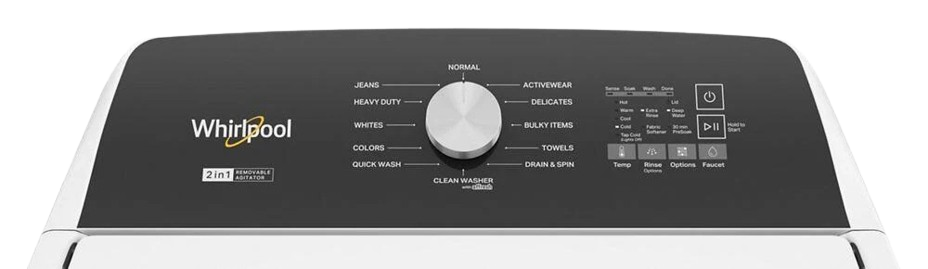
HOW TO USE
- The LID LOCK (circle outlined in red) is the F code when illuminated
- The LID LOCK is the E code when off.
- Select the lights that are illuminated.
- Beneath the exploded UI, the code for either F or E will be displayed.
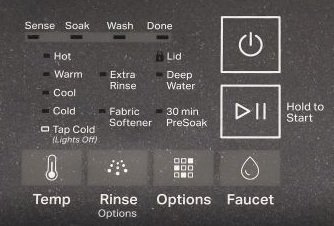
Error Code: E0
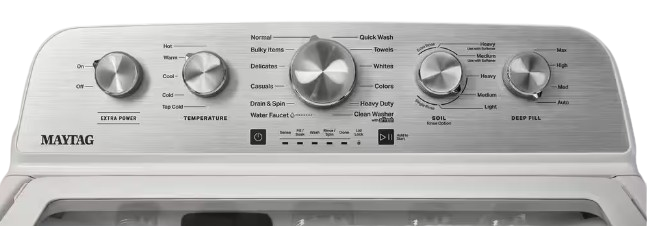
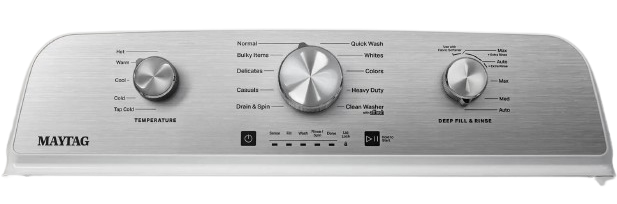
HOW TO INTERPRET
- The SENSE light (circle outlined in red) is the F code when ON.
- The SENSE light is the E code when OFF.
- Select the lights that you see ON, and below the exploded view, the “F” or “E” code will appear.
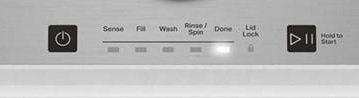
Error Code: E0
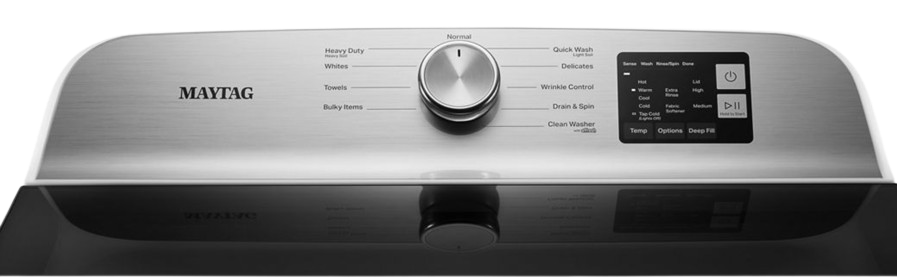
HOW TO INTERPRET
Lid Lock ON = F Code
Lid Lock OFF = E Code
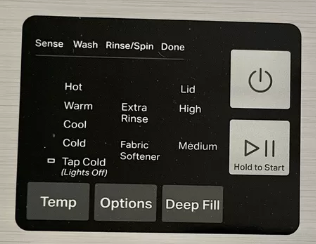
Error Code: E0